Presence Bridge
Local iPhone Bluetooth presence and estimated rooms for Home Assistant. Install with HACS, enroll with Presence Pair, and keep presence data in your home.
Presence Pair Demo QR
Requires Presence Pair 1.0.0 build 220 or later. This is a permanent, credential-free demonstration code. Build 219 has the preview under Help > Pairing preview, but cannot scan this new demo route.
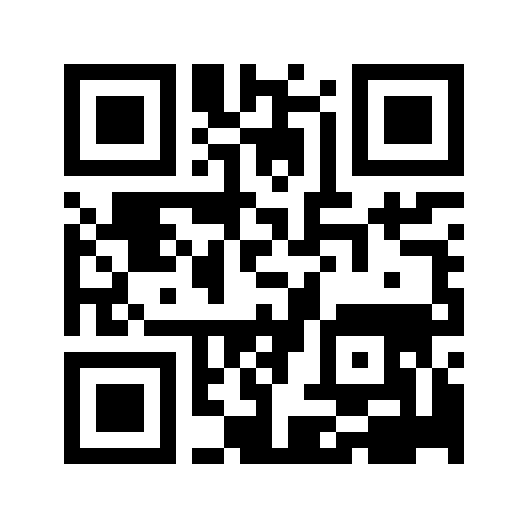
On a second screen, keep this page open. In Presence Pair, tap Scan code and scan the image above. Allow camera access if iOS asks. The app opens Pairing preview, labelled Simulation only. Tap Next through the four stages, then try the fictional signal slider or restart the preview. Tap Done to return to normal pairing.
On the same iPhone or iPad, use Open the offline demo. The app must already be installed; app installation and App Store approval are separate from this page. The demo also remains accessible through Help > Pairing preview without scanning.
What This Does Not Do
This preview does not create a Bluetooth bond, locate a phone, contact Home Assistant, save an identity or access a real household. The displayed stages and signal values are fictional. There is no login, payment, secret, account token or expiration in this QR. It is the same public preview for everyone, not a special review-only unlock.
Actual enrollment requires the user’s own supported nearby receiver and a fresh invitation from their own HA. No static QR can perform encrypted Bluetooth pairing with a receiver in a different building or country. See the setup instructions and compatibility limits.